
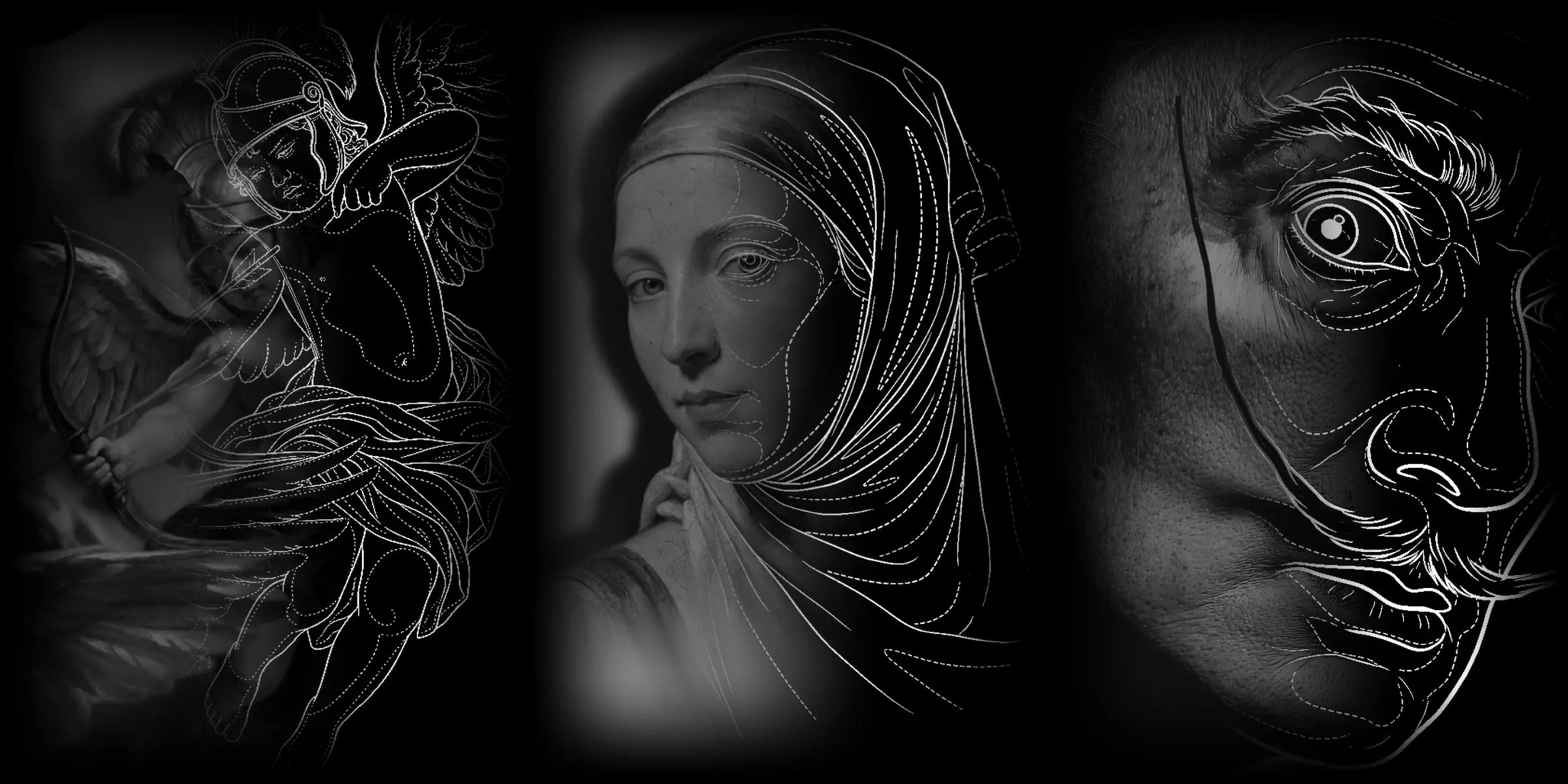
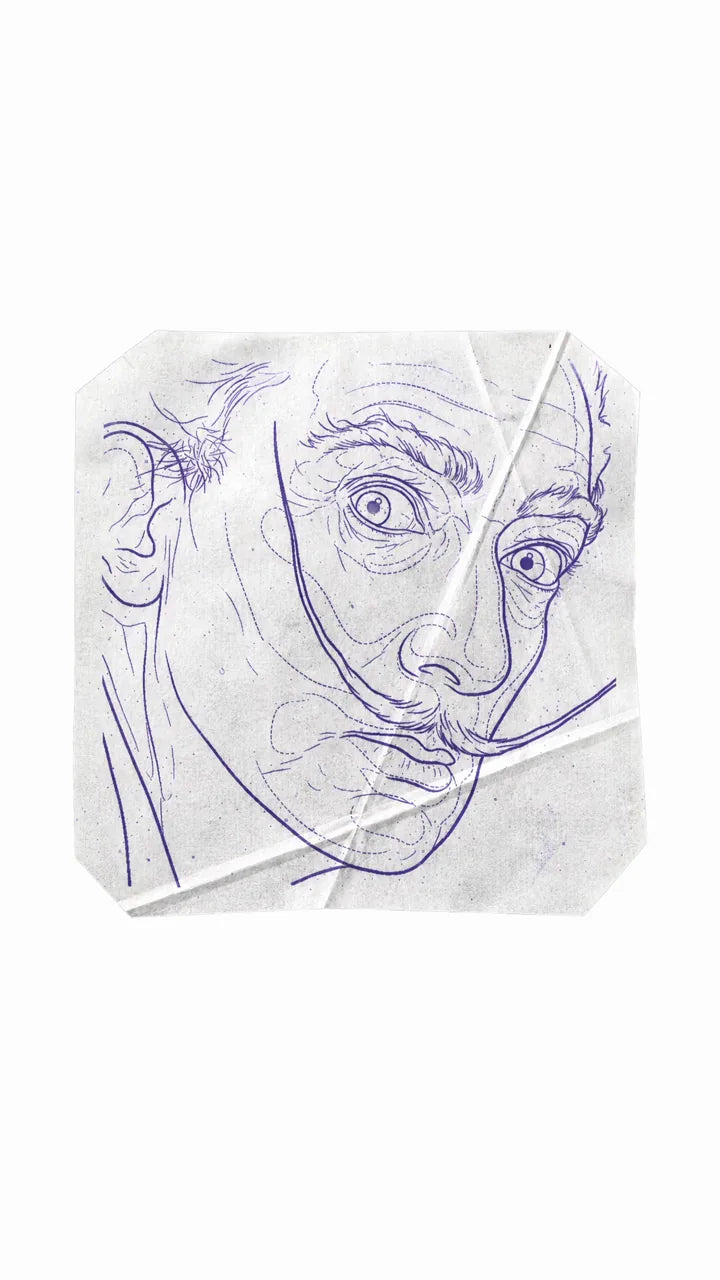
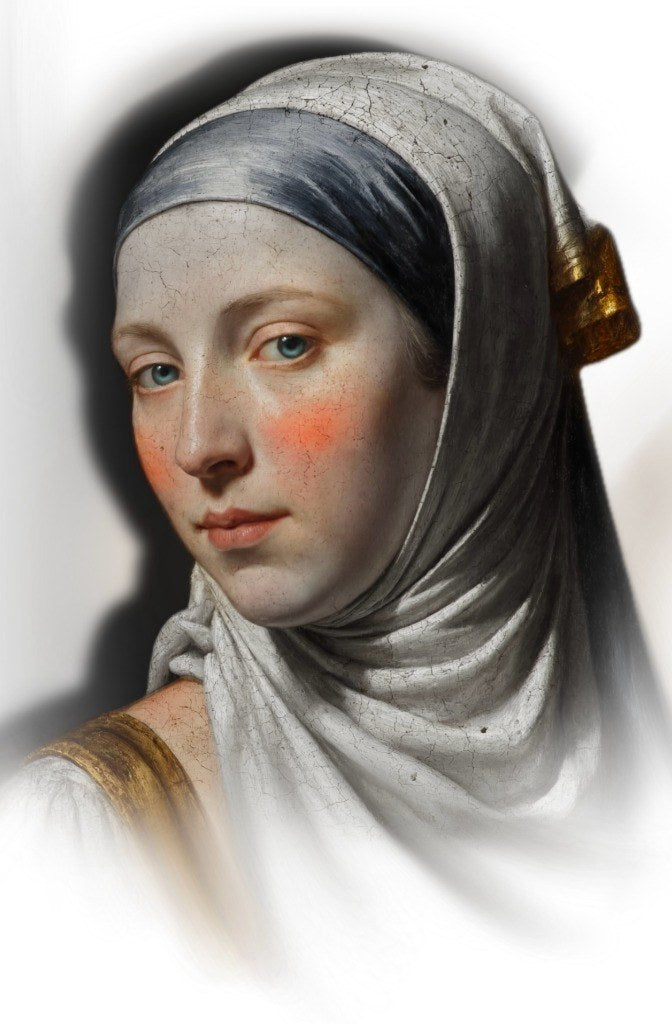
Retouch over the reference
Erase any lines you do not need or draw over the ones you want to emphasize, using Apple Pencil on your iPad or directly with your mouse.
Turn your reference into a stencil, refine the lines and prepare your values before touching skin. All in one place.
Already a student? Your course may include 6 or 12 months of access. See access options
A real tool recording, not a mockup: choose the style, generate and review the result.
A photo or a design, from your phone, tablet or computer. Nothing to install.
Clean linework for simple designs, or realism with the shadow zones mapped out. Each style has its own engine.
A crisp stencil ready to print on transfer paper, with mirror, line color and background your way.
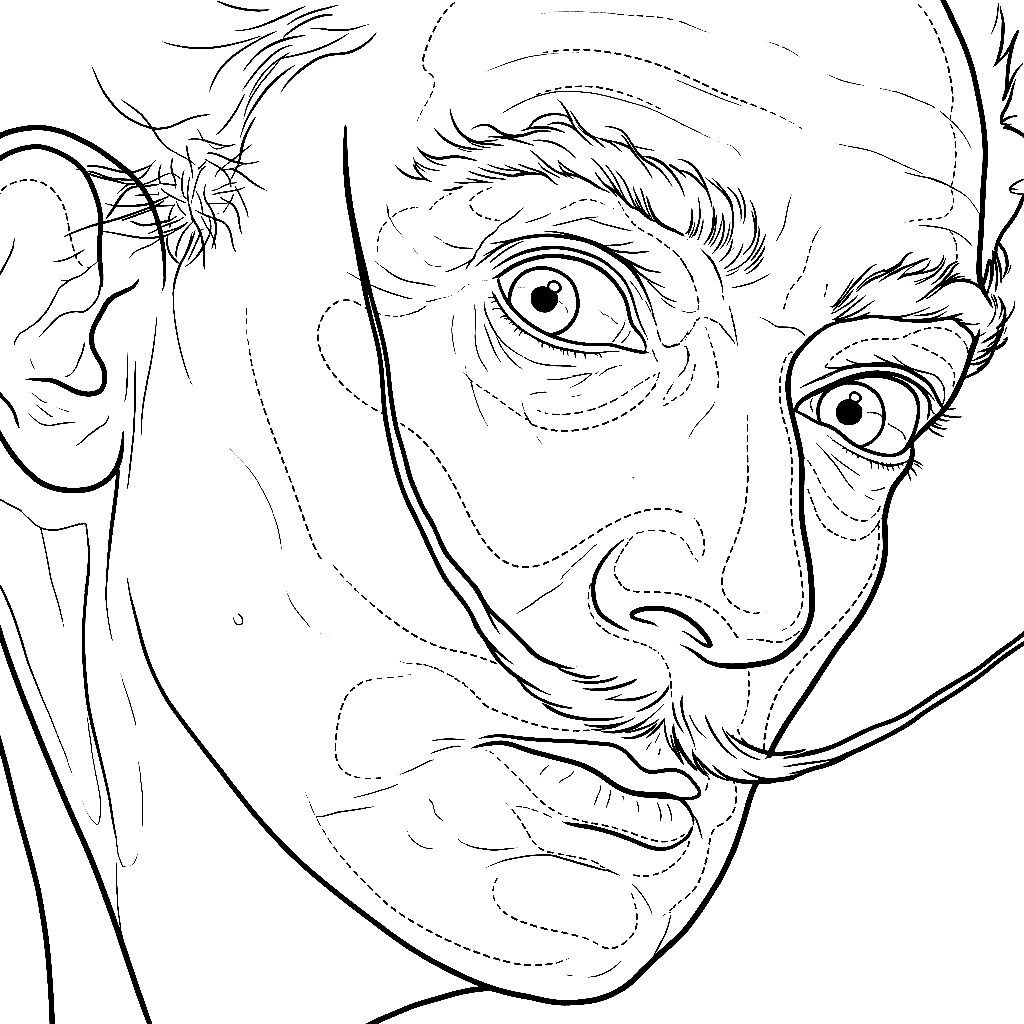
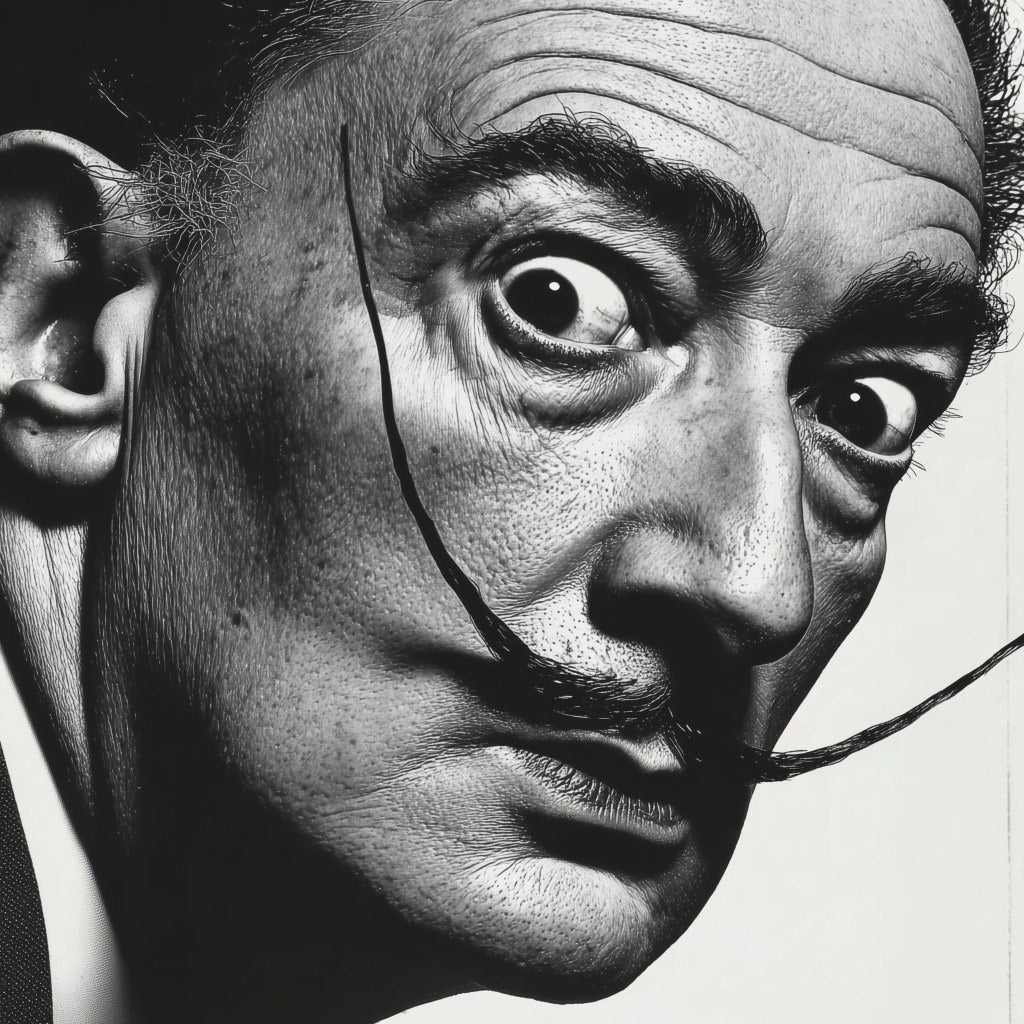
Generated with the realism engine. Untouched.
A portrait needs a different approach from lettering. Choose the right engine and check proportions with the comparison tool. The result is a starting point: review it and make any edits before printing.
The value map breaks your reference into clear tonal groups, so you can plan the inks and greywash for each area before the session starts. Choose the palette that reads best to you and test it here: this is the real generator, not a video.
Separate light from shadow. Colour helps you see where the value changes.
Use fewer bands to simplify the image. Add more to recover transitions.
Return to the reference and check each area before deciding how to tattoo it.
Value maps are unlimited: they never spend credits.
Review the lines, make your adjustments and choose the orientation before printing. The tool prepares the starting point; you make the decisions.
Tap to see the orientation change.
Erase any lines you do not need or draw over the ones you want to emphasize, using Apple Pencil on your iPad or directly with your mouse.
Break the reference into value groups with four palettes, so it is easier to plan the inks and greywash for each area.
Flip the design for transfer, change the line color and compare it with the reference to make sure everything lines up.
Every stencil is saved with its reference and its map. Come back anytime to edit it or download it again.
Each type of tattoo has its own generation engine. Choose the right one for the design you are about to trace.
Download the stencil with crisp lines, ready to print on transfer paper or keep working on your tablet.
The courses listed here include generator access at no extra charge. If you are already a student, sign in to check your access.
No extra cost
Choose one of the qualifying courses and generator access is included, with fresh credits every month.
12 months of access
6 months of access
$225.95
one payment, 1 year
Only need the tool? One payment gives you a full year of generator access.
Access time adds up: if you already have access and add a course, the new months are added to your remaining time, up to a maximum of 2 years. The 3-for-2 Bundle also includes 12 months.
The generator is designed to preserve the structure of your reference. Always check proportions and details with the comparison tool before transferring. You can correct lines with the brush and eraser.
No. It runs in the browser on your phone, tablet and computer. Upload the photo, download the stencil and print.
30 a month, renewed on the 1st. Value maps are unlimited and never use credits.
It depends on how you get in: the big courses grant 12 months, the realism masterclasses grant 6 and direct access grants 12. If you buy more than one thing, the time stacks, up to a maximum of 2 years.
Every project keeps the stencil, reference and value map in your gallery for 60 days. You can reopen it, keep editing or download it whenever you need it.
Today there are two engines: linework, for simple designs and lettering, and realism, for portraits and photography. More style engines are coming and they join your same access, nothing extra to pay.
Yes. Brush and eraser over the reference with adjustable opacity, mirror for the transfer, line color and background. Every saved version can be reopened and worked on again.
Choose a course with generator access included, or get the tool on its own for a full year.