
FROM PHOTO TO STENCIL
IN ONE MINUTE
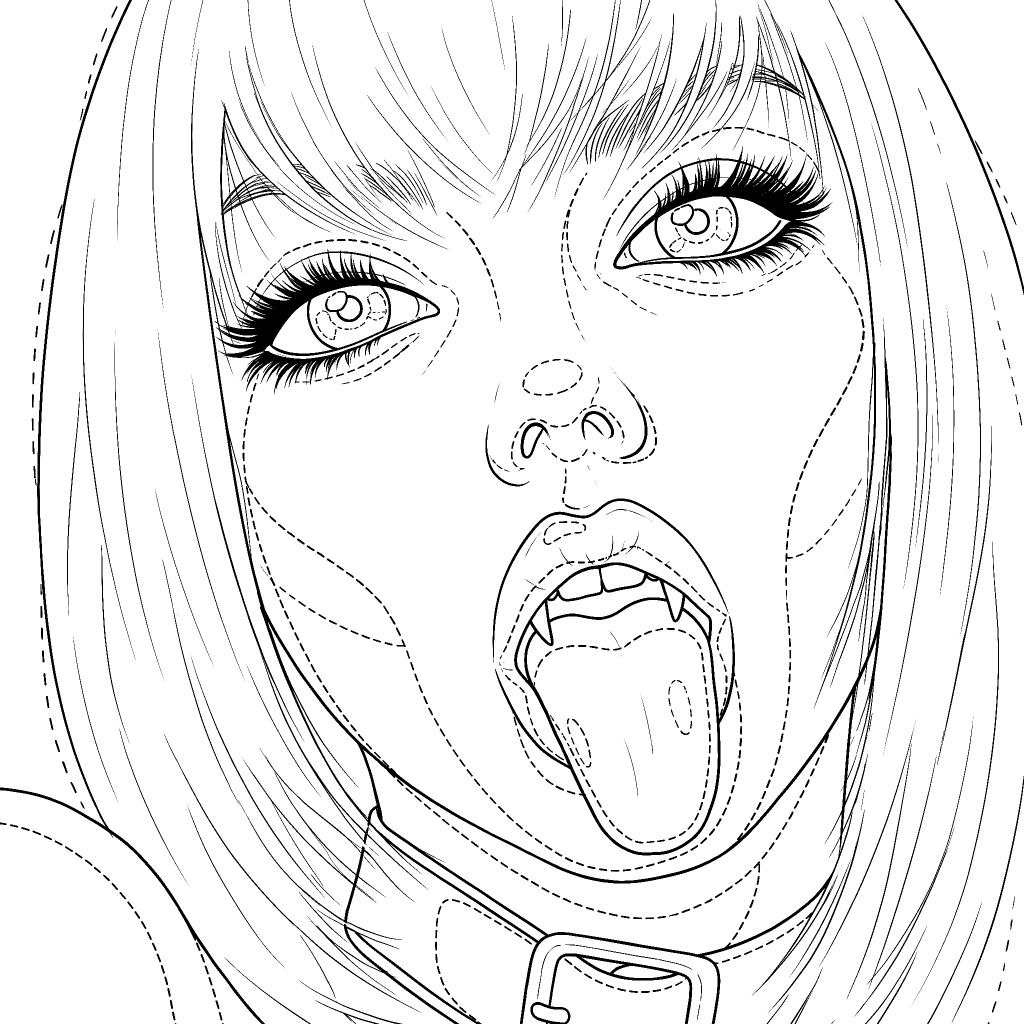
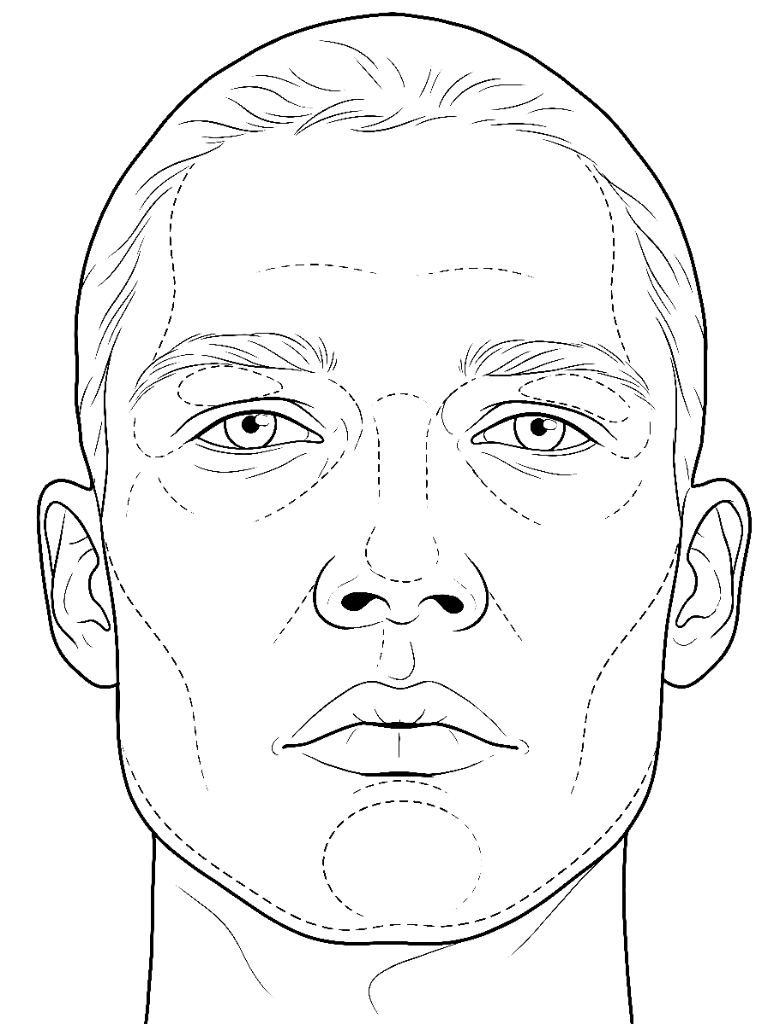
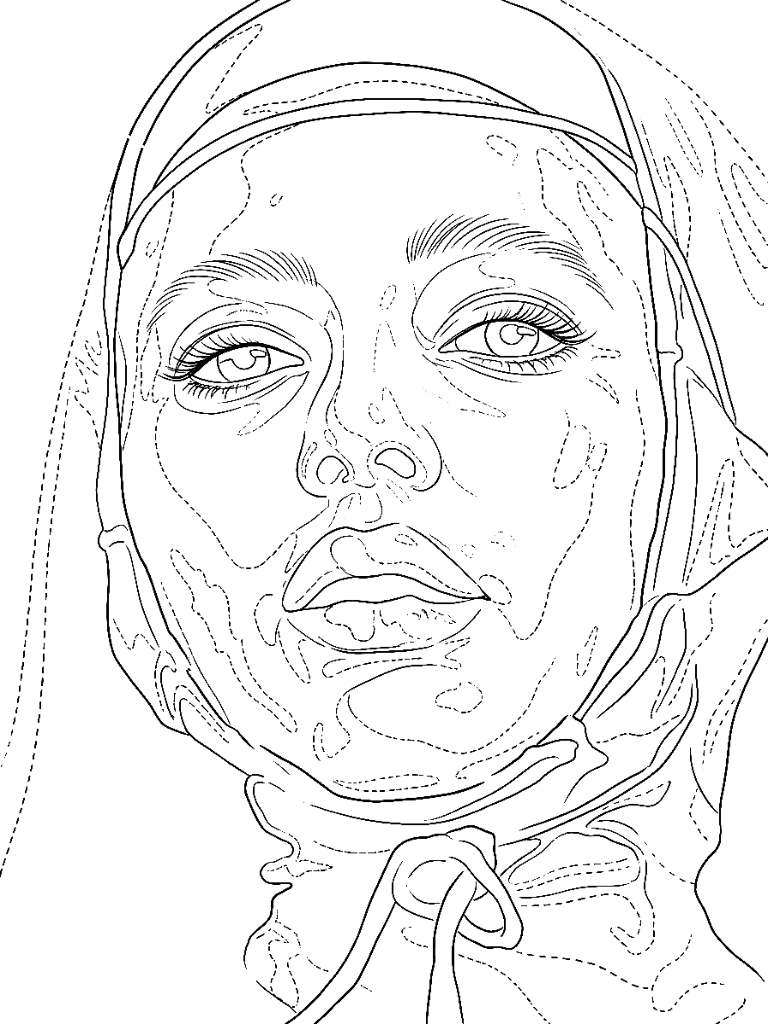
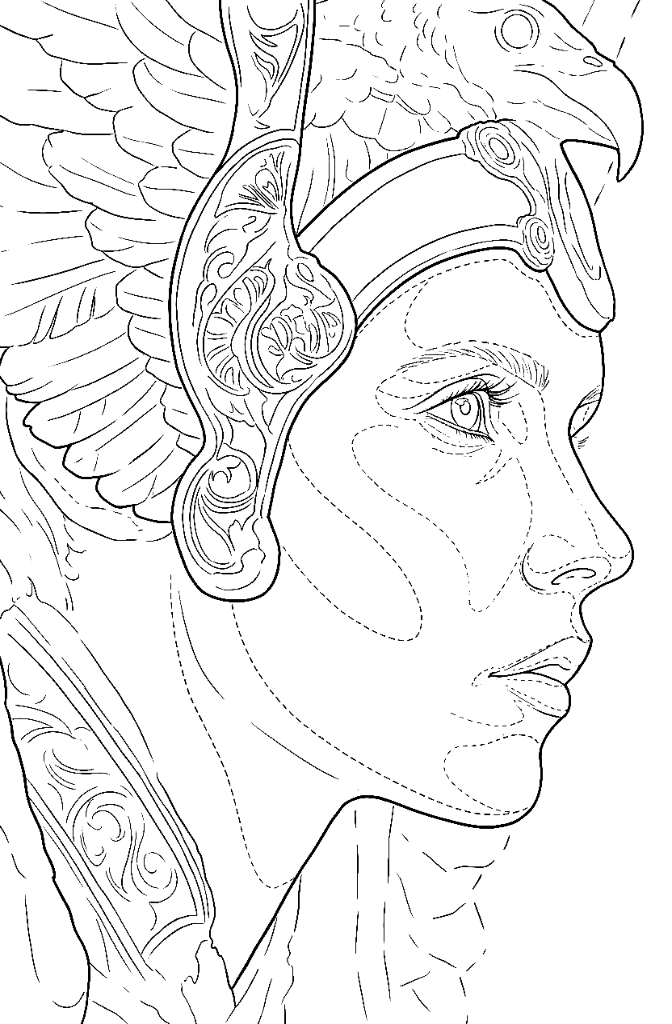
Upload your reference and get a stencil faithful down to the detail: clean linework, shadow zones mapped out and the value map to read the greys before you tattoo. No paid apps, no losing an hour redrawing lines.
- Included with your course
- 30 stencils a month
- In your browser, nothing to install
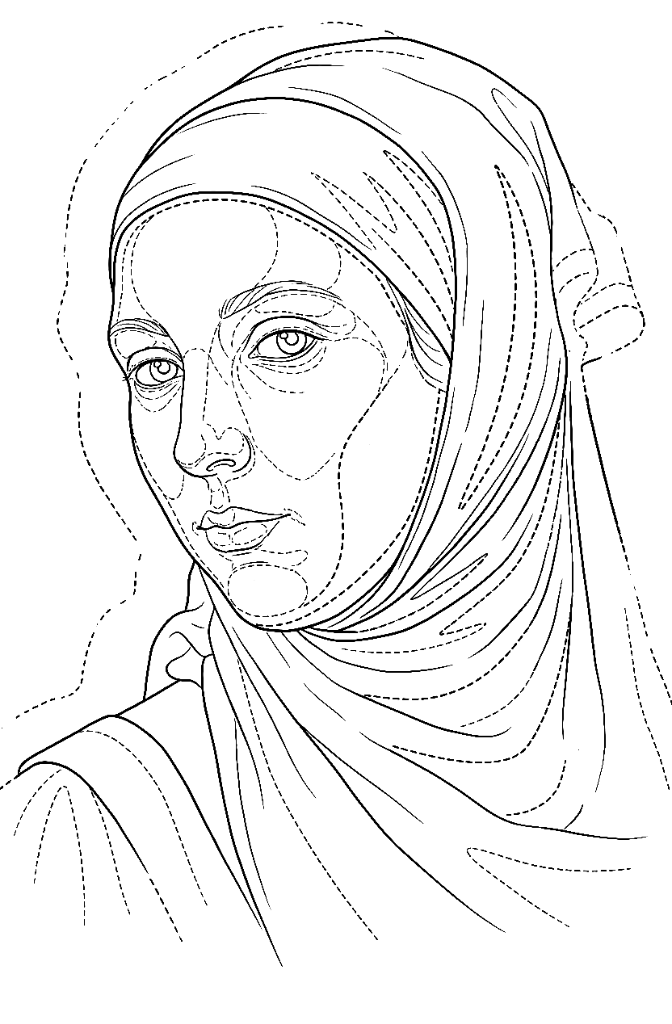 ReferenceStencilDrag to compare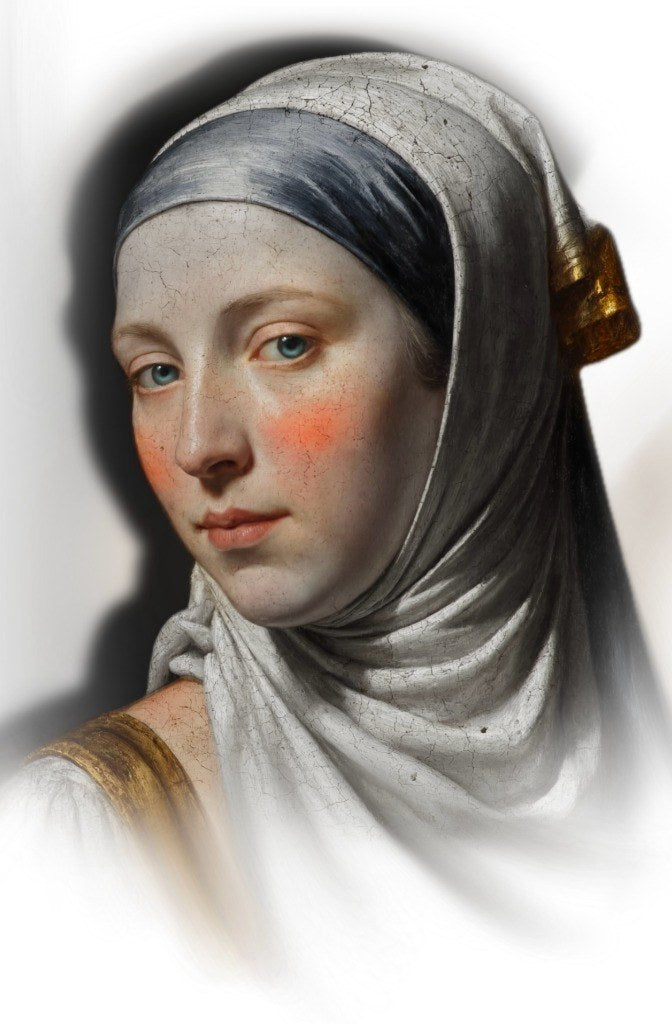
Every stencil is costing you an hour nobody pays for
An hour before you even start
You export the photo, adjust the levels, move it from one app to another and end up retracing lines by hand. By the time the stencil is finally ready, you have already lost nearly an hour before you start tattooing.
A stencil that does not line up
If the stencil shifts on paper, you cannot undo it once it is on skin. Get the proportions wrong and the portrait will not read as the person.
Guessing the shadows
Linework alone is not enough. If your value zones are not marked, you end up deciding the greys on the fly with your client already on the table.
Three steps. No guesswork.
Upload your reference
A photo or a design, from your phone, tablet or computer. Nothing to install.
Pick the version
Clean linework for simple designs, or realism with the shadow zones mapped out. Each style has its own engine.
Download and transfer
A crisp stencil ready to print on transfer paper, with mirror, line color and background your way.
Read the values before you touch skin
The value map breaks your reference into clear tonal groups, so you can plan the inks and greywash for each area before the session starts. Choose the palette that reads best to you and test it here: this is the real generator, not a video.
Value maps are unlimited: they never spend credits.
Everything included
Retouch over the reference
Erase any lines you do not need or draw over the ones you want to emphasize, using Apple Pencil on your iPad or directly with your mouse.
Gradient map with palettes
Break the reference into value groups with four palettes, so it is easier to plan the inks and greywash for each area.
Mirror, color and comparison
Flip the design for transfer, change the line color and compare it with the reference to make sure everything lines up.
Your gallery
Every stencil is saved with its reference and its map. Come back anytime to edit it or download it again.
One engine per style
Each type of tattoo has its own generation engine. Choose the right one for the design you are about to trace.
Print-ready
Download the stencil with crisp lines, ready to print on transfer paper or keep working on your tablet.
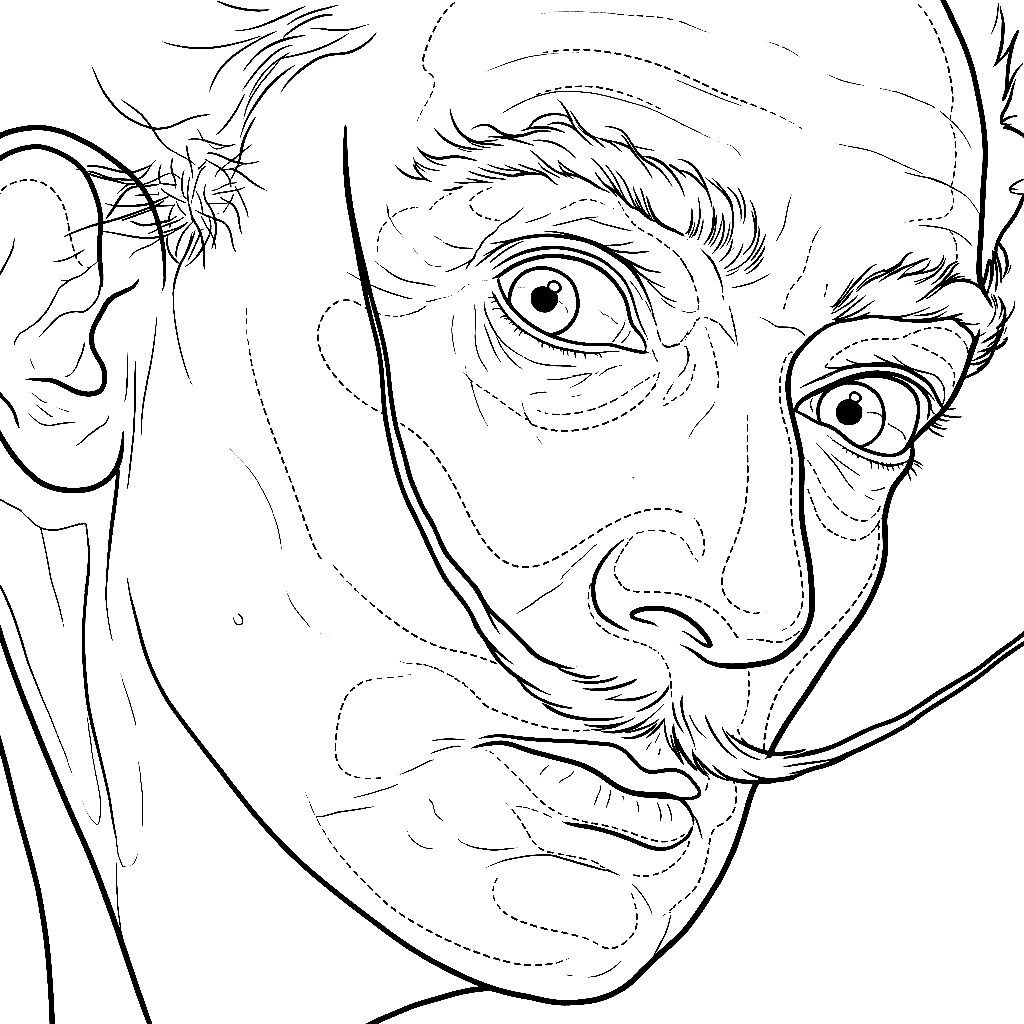 ReferenceStencil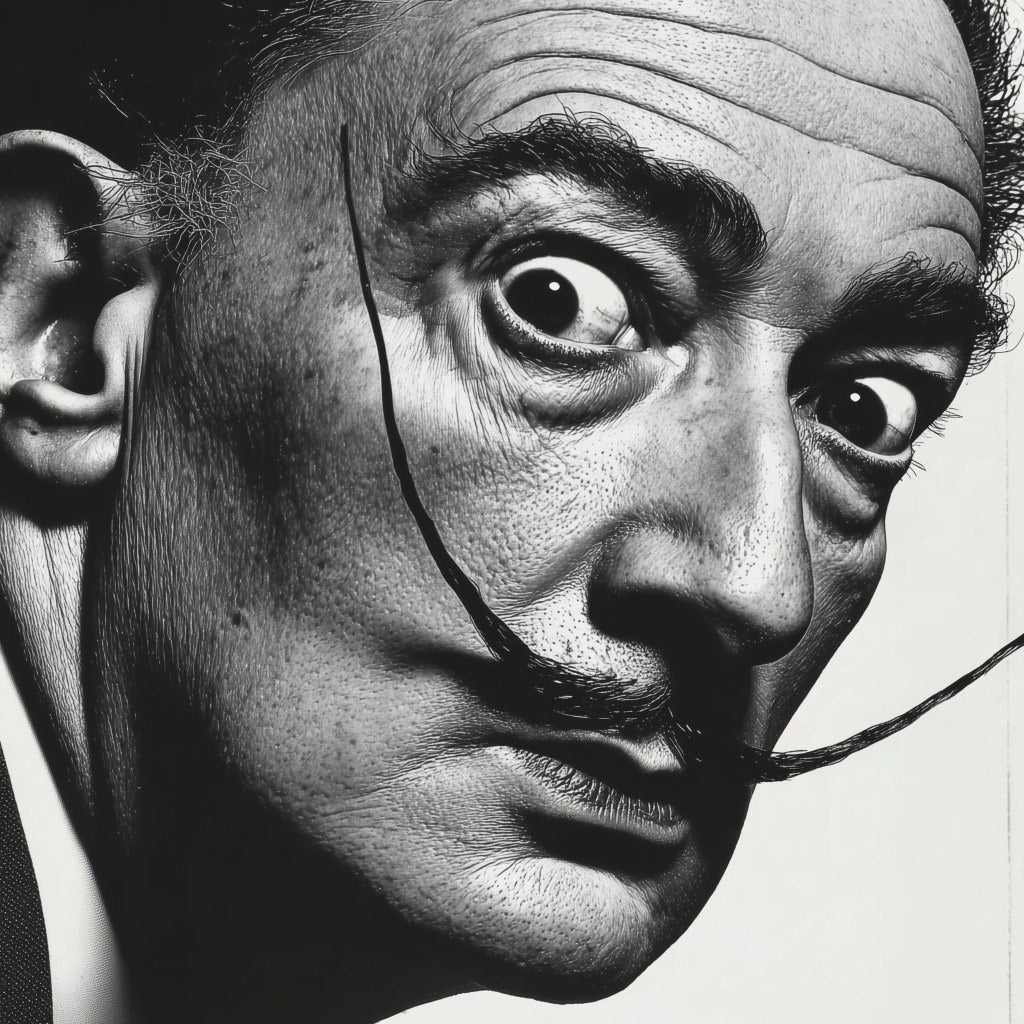
Generated with the realism engine. Untouched.
One engine for each style, not one for everything
You do not build a lettering stencil the same way you build a portrait. Each engine is tuned for its job: clean, confident linework for simple designs, and structure with mapped shadow zones for realism. Any new engines are included in your existing access.
Linework
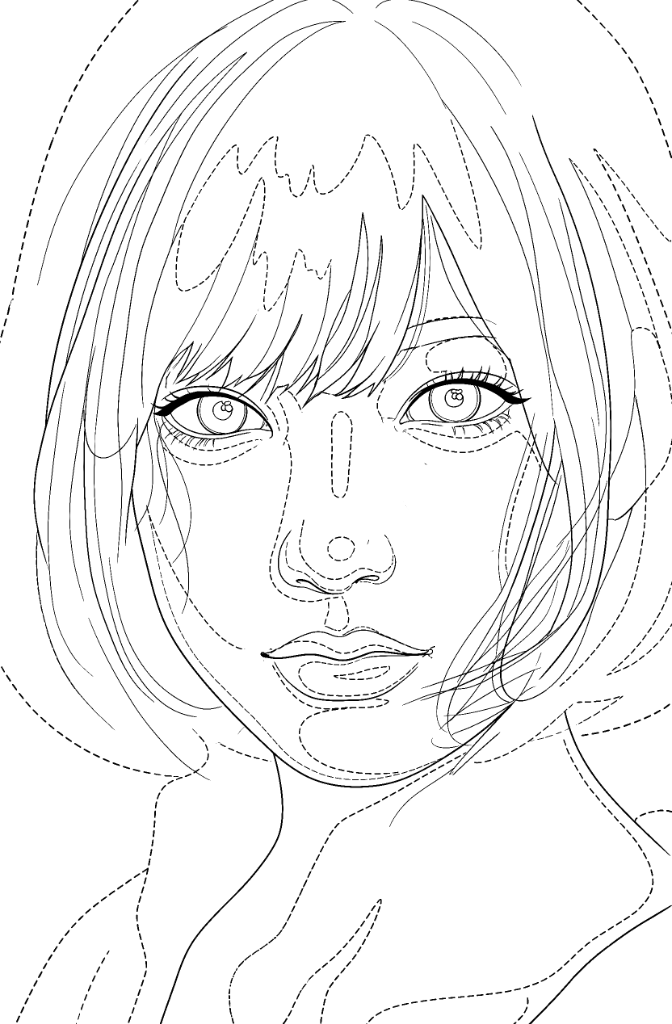
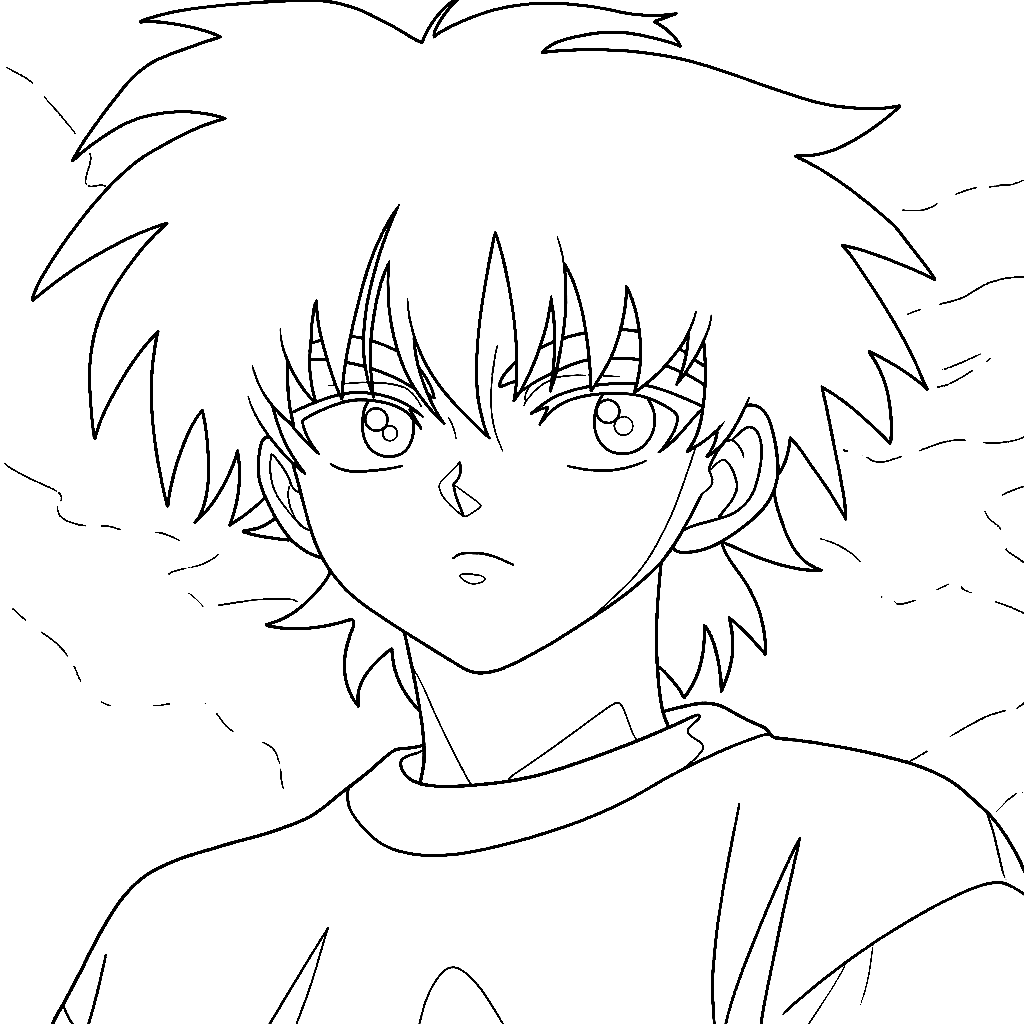
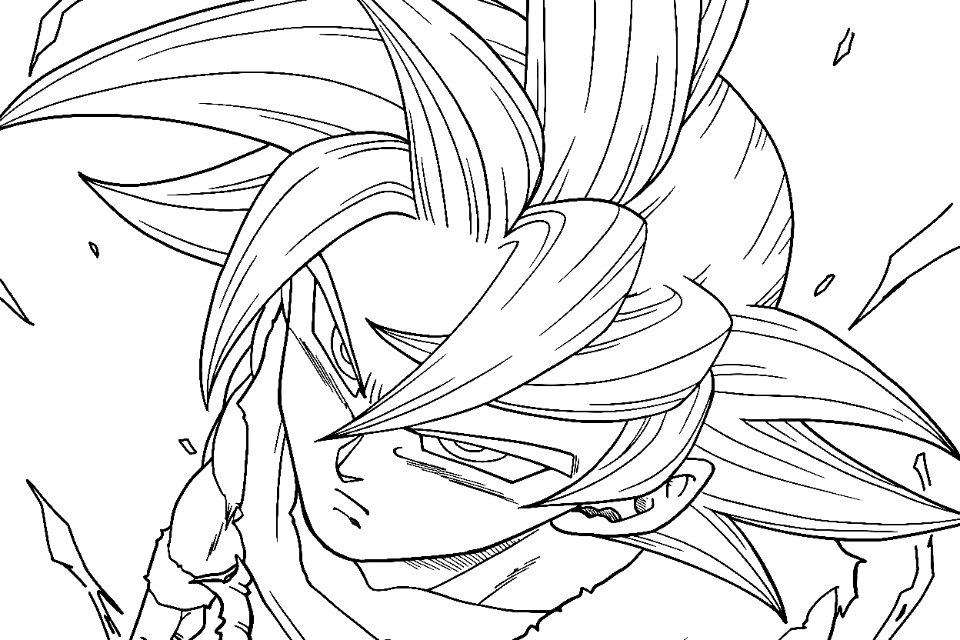
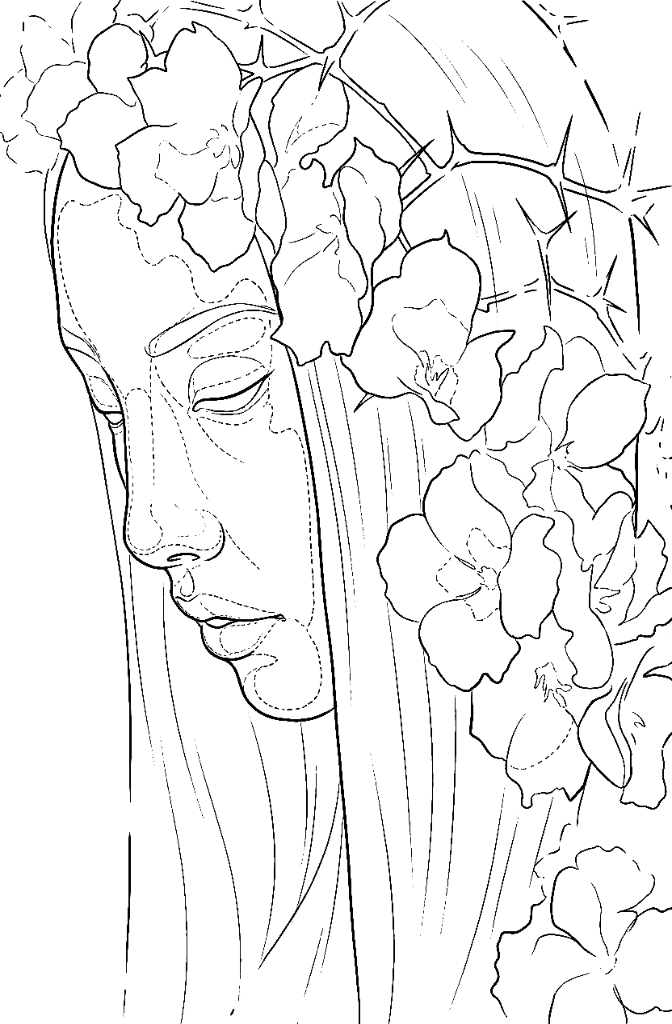
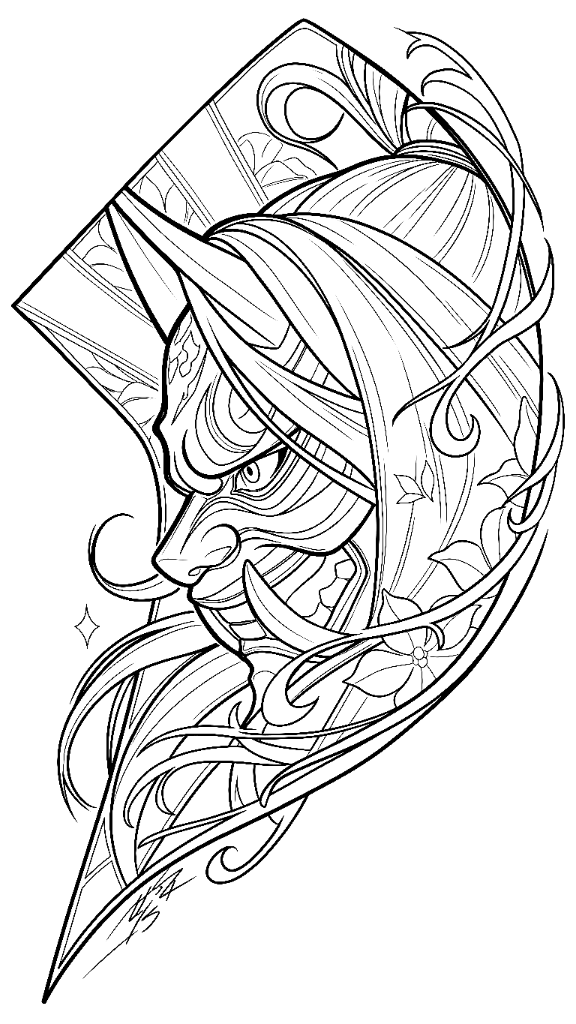
Minimal, flowers, anime, lettering and symbols.
Realism
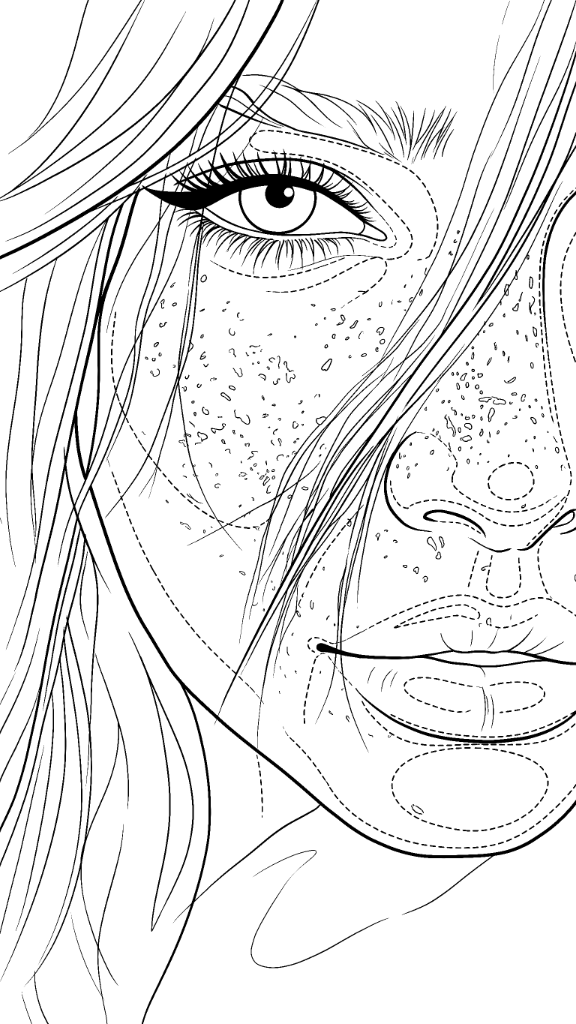
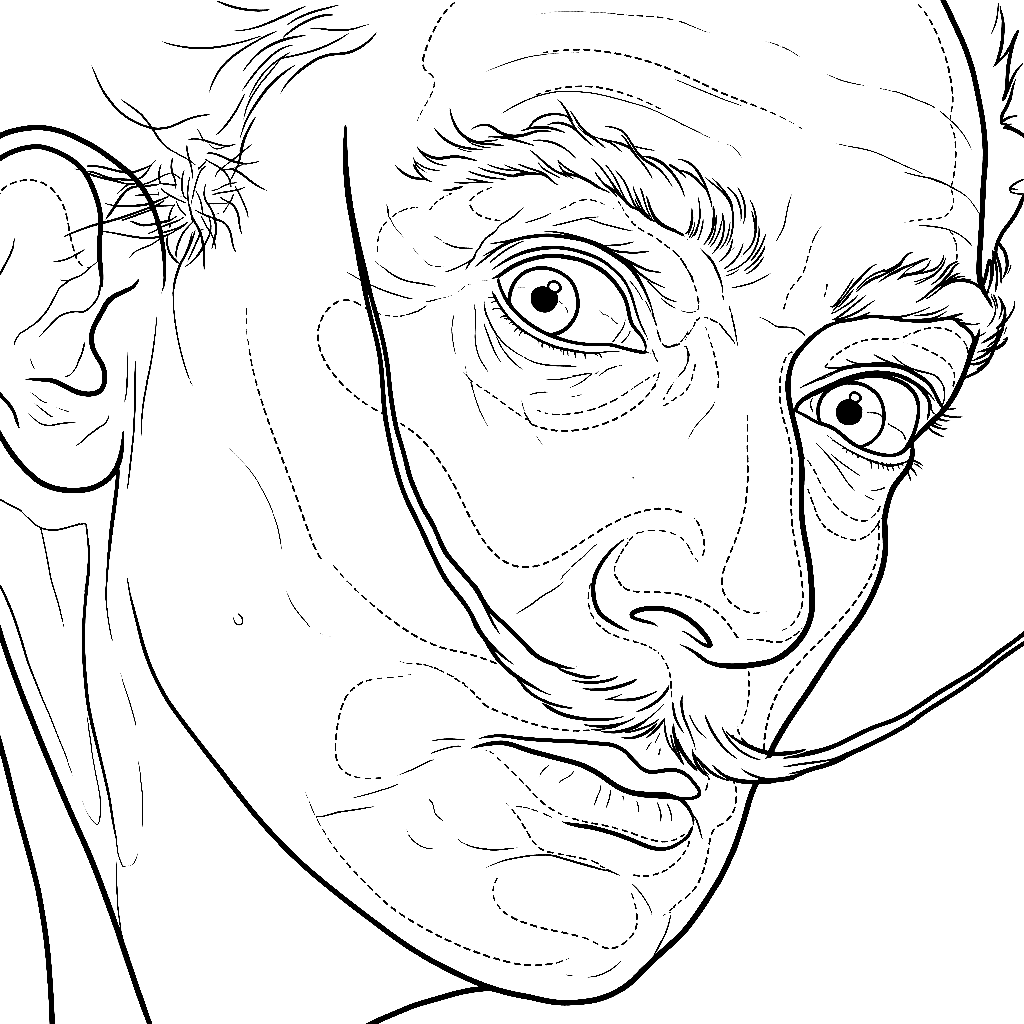
Portraits and photography, with the shadow zones mapped out.
On the way
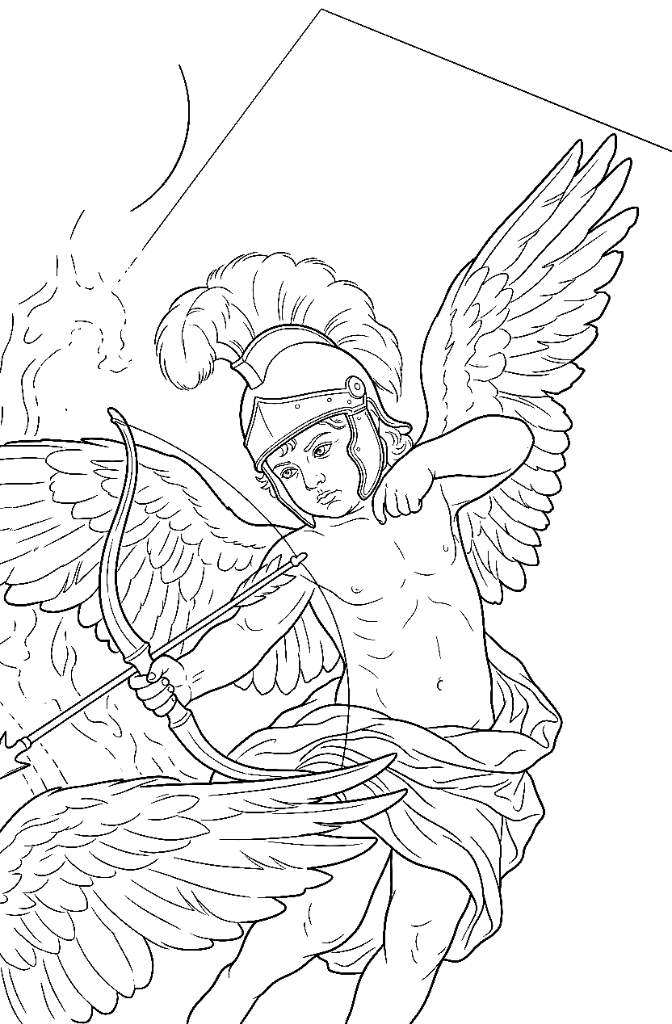
Animals, sculptures and more styles, each with its own engine.
Watch the tool at work
Two minutes of the real workflow: from reference to a stencil ready for the session.
Less time preparing. More time tattooing.
The generator turns your reference into a working base: lines, shadow zones and a value map. Choose how to get access: included with a course or direct access for a full year.
Two ways to access the generator
With your course
Included
Choose one of the qualifying courses and generator access is included, with fresh credits every month.
12 months of access
6 months of access
See the coursesDirect access
189,95 €one payment, 1 year
Only need the tool? One payment gives you a full year of generator access.
- 12 months of full access
- 30 stencils a month
- Every engine, including the ones to come
- Gallery with your stencils and their reference
Access time adds up: if you already have access and add a course, the new months are added to your remaining time, up to a maximum of 2 years. The 3-for-2 Bundle also includes 12 months.
What tattoo artists usually ask
That is rule number one of the tool: it cannot move a line or reshape a feature. Same face, same proportions, same framing. And if you want to fine-tune something, the brush and eraser are right there inside.
YOUR NEXT SESSION
STARTS WITH YOUR STENCIL READY
Choose a course with generator access included, or get the tool on its own for a full year.
Already a student? Log in and try it now. Open the generator